Min. chars:
Min. words:
Create a free acount to upload your pdf or docx script. Tag characters, locations etc for visualisation. Check for repetitions, word or sentence length balance, Search for words, phrases or tags.
Tag list
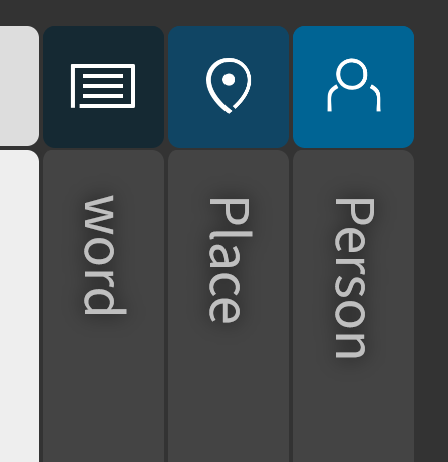 These are the tags added to the current project. Add new tags with the button, edit them by pressing their icons. Click Tags in the header, then choose Tag from list to fill these tracks with instances from the script. Click a track instance to add a comment.
Alerts and stats
Click alert or stats from the header and choose a metric to check your script for. Click the button again to deselect.
If you don't feel like creating an account, just paste some text into the window below and click Alert or Stats from the header to choose something to check your text for. The pasted text is not uploaded.